
Search
Metadata-aware search
Find files by prompt, model, LoRA, seed, sampler, scheduler, dimensions, folder, filename, rating, tags and media type.
Image MetaHub turns large local generative media folders into a searchable, visually discoverable, inspectable and reusable creative library, including generated 3D assets. Save reusable prompts with the free Prompt Library; organize local LoRAs and checkpoints with the Pro Model Manager.
Using ComfyUI? See how Image MetaHub works as a local ComfyUI image manager.
Start with the fundamentals: local indexing, rich metadata parsing and fast ways to find the exact thing you generated.
Find files by prompt, model, LoRA, seed, sampler, scheduler, dimensions, folder, filename, rating, tags and media type.
Read normalized metadata, original embedded payloads, workflow details, notes, tags and ratings without modifying the source file.
Curate large collections with favorites, ratings, manual tags, auto-tags, smart stacks and grouping.
Keep output folders indexed as new generations appear, so your gallery stays current while you work.
Group outputs by generation session, then move between sections with calendar badges and representative thumbnails.
Browse common image, video and audio formats alongside GLB, GLTF, OBJ, FBX and STL models in one local generative media library.
Your media, cache, tags, metadata and library context stay on your machine unless you deliberately open an external link or integration.
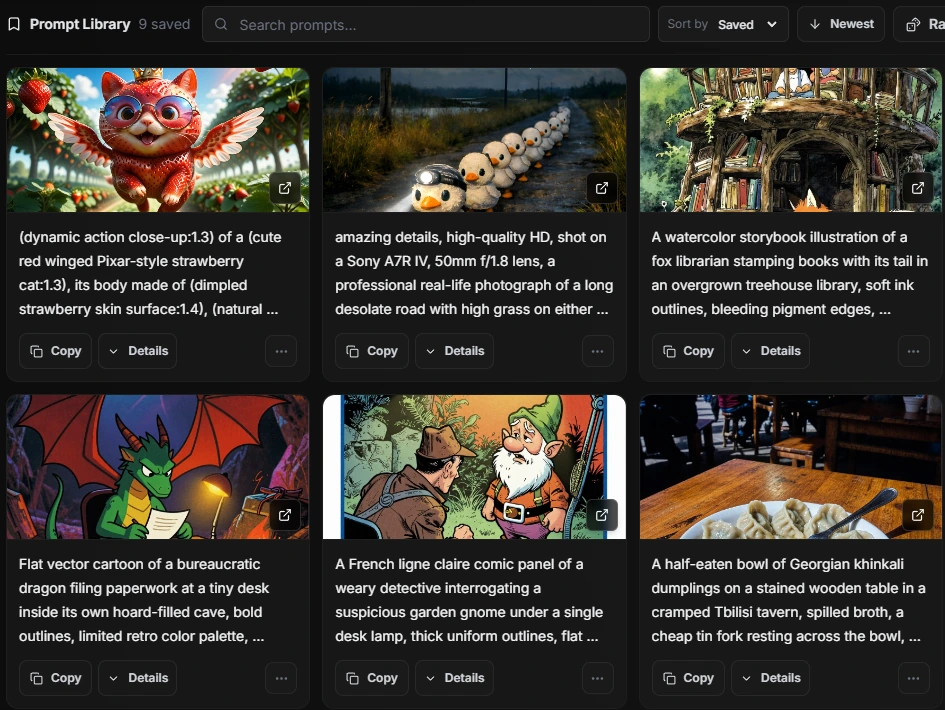
Keep positive and negative prompts in a personal library. Search, sort and copy them, rediscover an idea with Random, or return to the source image when it is available.
Visual similarity search and first-class 3D model support extend the library beyond filenames, prompts and flat media.
Select an image and find visually related results across the local library, including images with no useful generation metadata. Visual indexing is opt-in, the model download is an explicit action, and search can use WebGPU acceleration with a WASM fallback. Free covers the 2,000 newest images; Pro can index the full library.
Index, filter, thumbnail, view and export GLB, GLTF, OBJ, FBX and STL models. Image MetaHub keeps generation context in sidecars when a 3D format cannot embed that metadata itself.
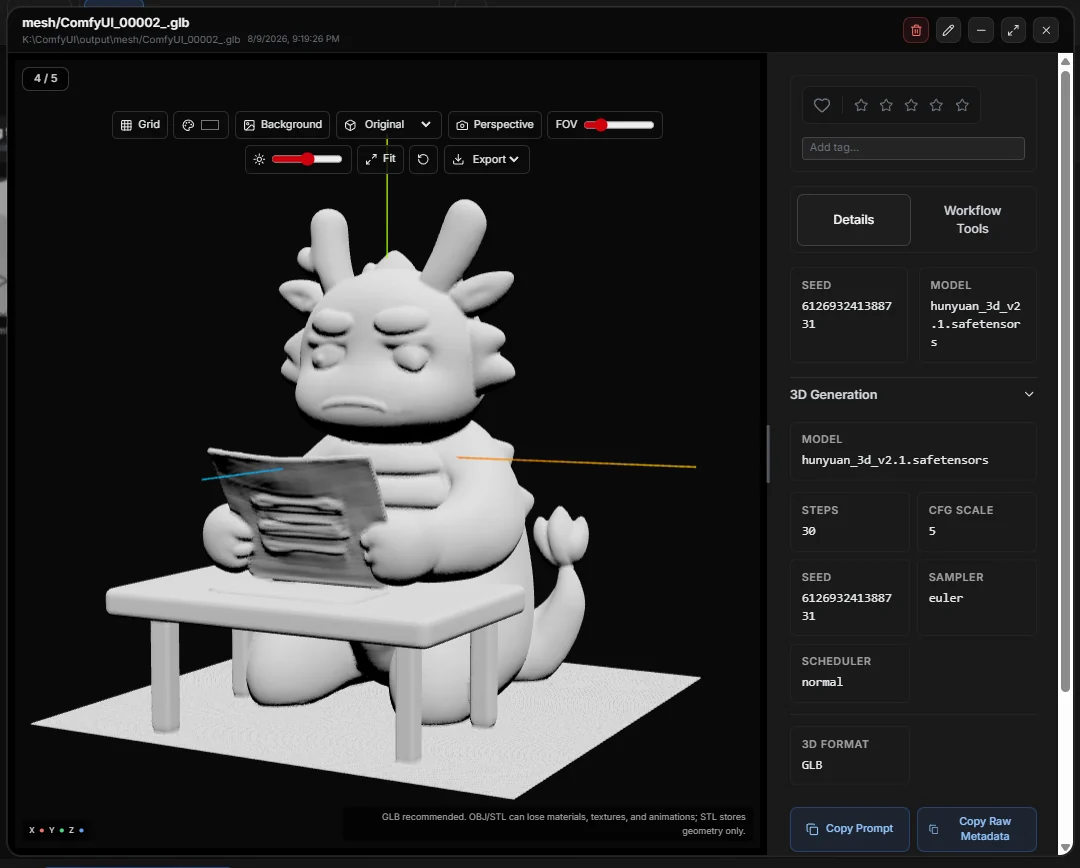
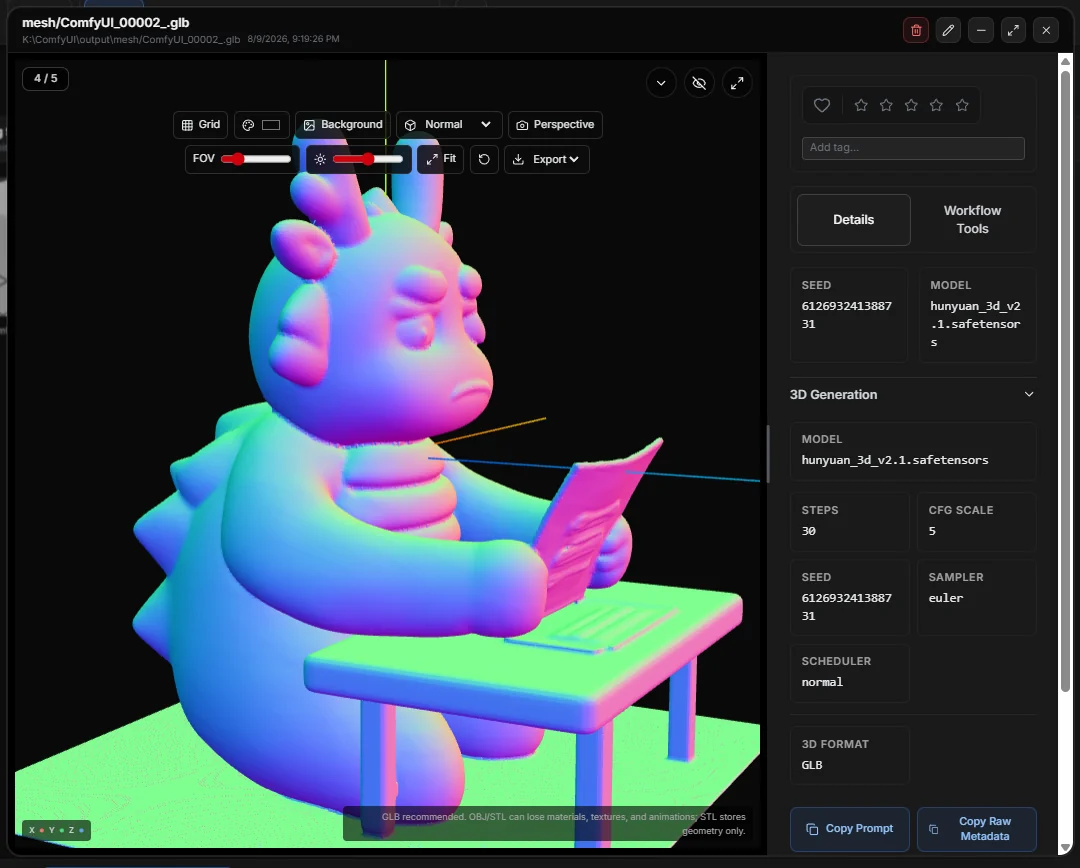

The app understands generator metadata instead of treating your outputs as ordinary image files. That makes it easier to recover prompts, compare experiments and reuse working settings.
Automatic1111, ComfyUI, InvokeAI, Forge, SwarmUI, Fooocus, SD.Next, Draw Things, Midjourney/Niji, Firefly, DreamStudio, DALL-E and compatible payloads.
Track img2img, inpaint and outpaint context when source-image metadata is available.
Turn model folders into a visual catalog. Keep covers, favorites, tags and notes together, track Civitai and Hugging Face updates, and jump to associated images in your Library.
Models for generation, from LoRAs to checkpoints — alongside your existing media library.
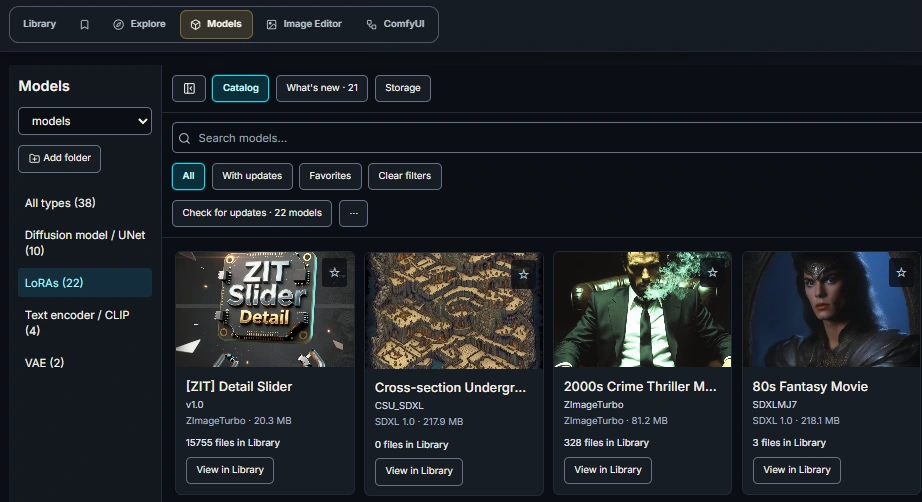
Pro is for daily users who need generation integrations, comparison tools and batch workflows for large libraries.
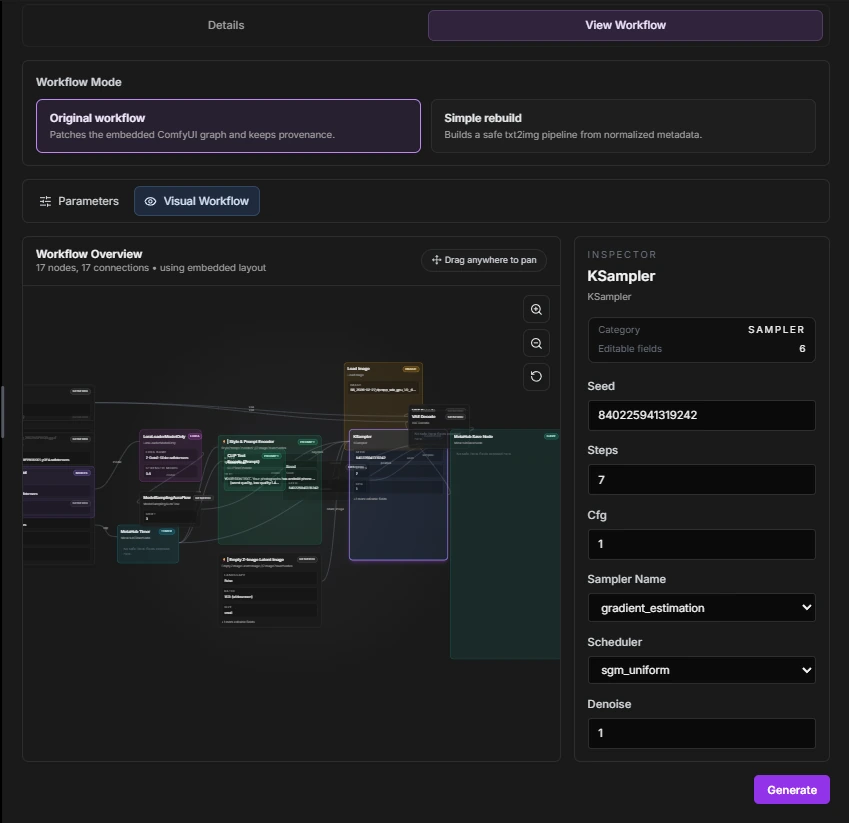
Open an embedded ComfyUI workspace beside your selected image, then copy, inspect, generate, copy metadata fields and track progress from the same context.
Copy A1111-compatible generation text or send normalized parameters directly to a local Automatic1111 server.
Compare 2-4 outputs with synchronized viewing and metadata differences, or use focused two-image modes like slider, hover, flicker, diff map, loupe and edge comparison.
Explore model, LoRA, prompt, timing and performance patterns across the library.
Use batch export, bulk tagging and in-app file management when the library gets too large for manual cleanup.
Edit still images locally with adjustments, crop, rotate, flip, resize, sharpen, blur, annotations, text, highlights and blur/pixelate regions, then Save As or Overwrite while preserving metadata.
Optionally detect ComfyUI jobs started outside Image MetaHub and show their waiting, processing, done or failed state in the generation queue.
Image MetaHub helps recover the context behind ComfyUI generations, including workflow payloads, node metadata, prompt structure, workspace actions and companion Save Node performance data when available.
Open generated files and review the workflow data that would otherwise be buried inside image metadata.
Use MetaHub Save Node metadata for tags, notes, timing and GPU details.
Start free, then upgrade when the workflow tools become part of your daily work.